What automatic background removal actually looks like
Twelve images pushed through this tool, unedited: 7 came out clean, 2 came out partly wrong and 3 failed outright. The failures are the useful part.
Everything below is a real result from this site, not a promotional render. Each caption gives the source size and the time the server took. The grey checkerboard is transparency: that is what you get in the PNG.
Cases that came out clean
Solid subjects, a background that differs from them, and an edge the model can find.
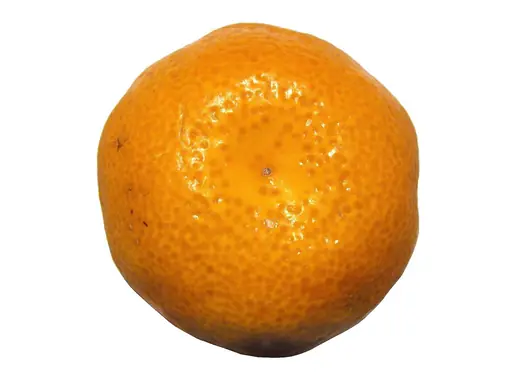 Original
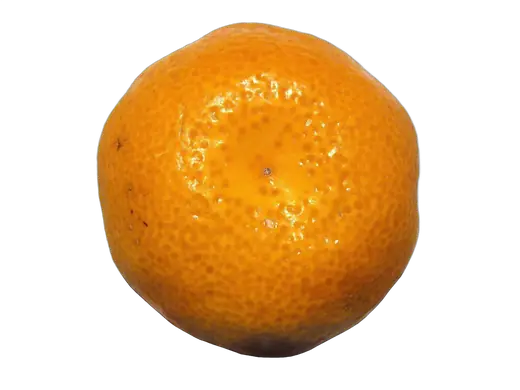 Clean
Clean
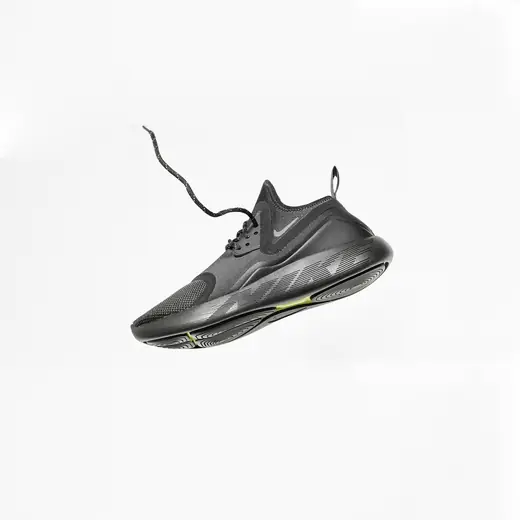 Original
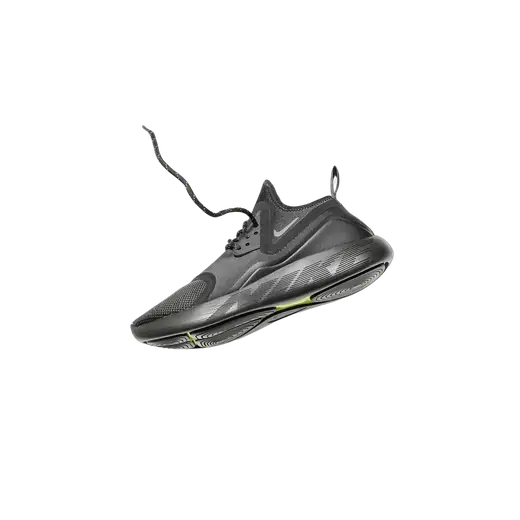 Clean
Clean
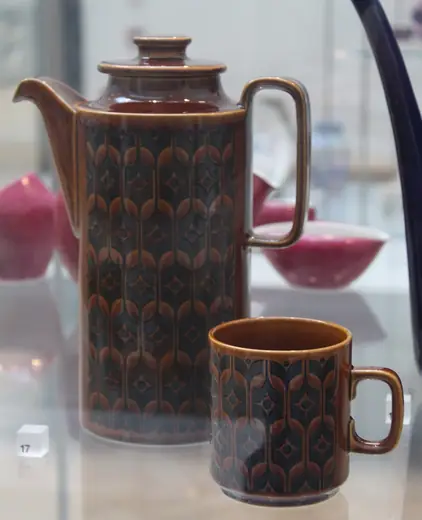 Original
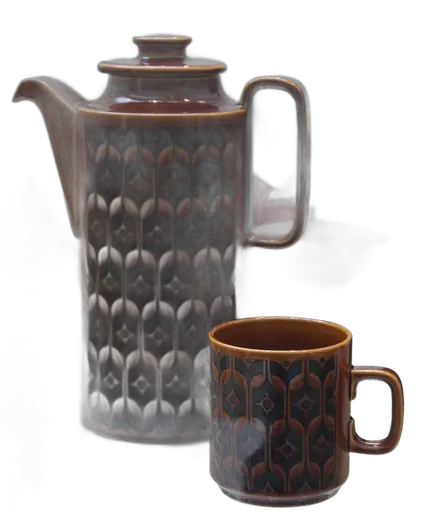 Clean
Clean
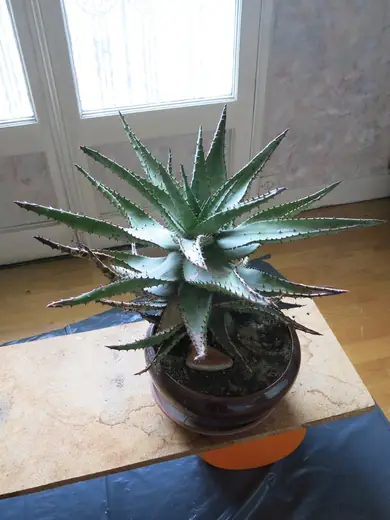 Original
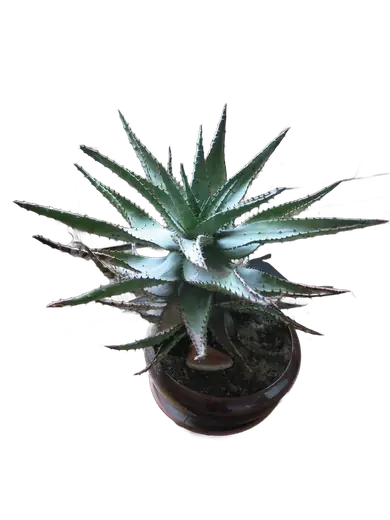 Clean
Clean
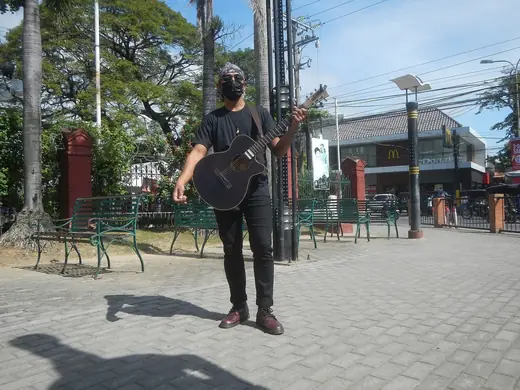 Original
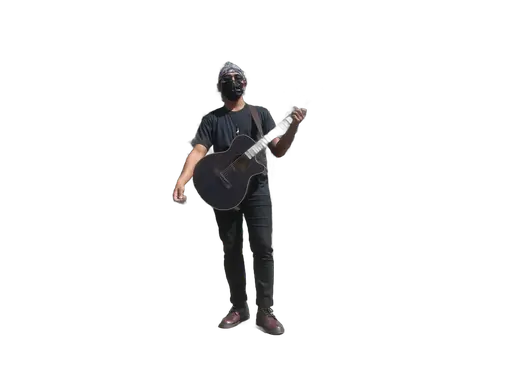 Clean
Clean
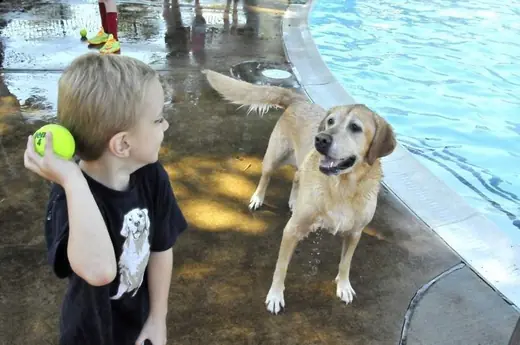 Original
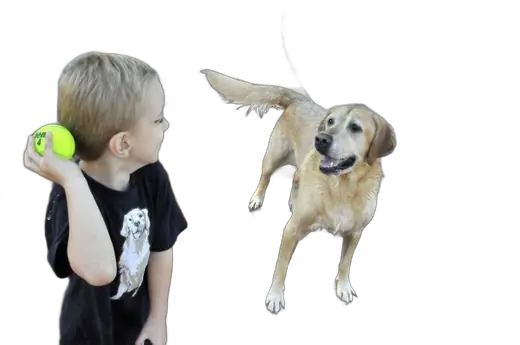 Clean
Clean
 Original
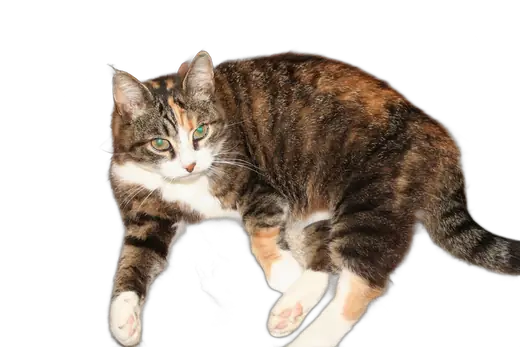 Clean
Clean
Cases that came out partly wrong
The subject is right and something extra came with it. The model decides what counts as foreground, and you cannot argue with it.
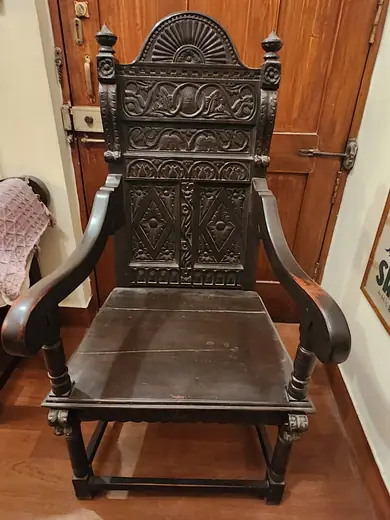 Original
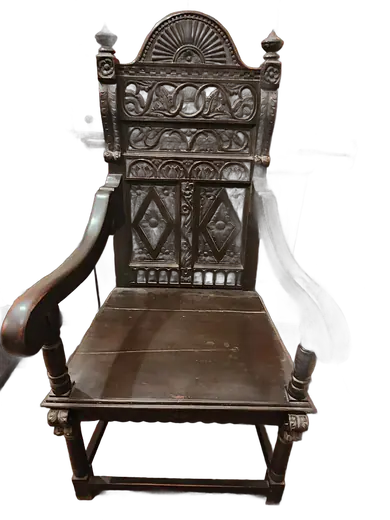 Partly wrong
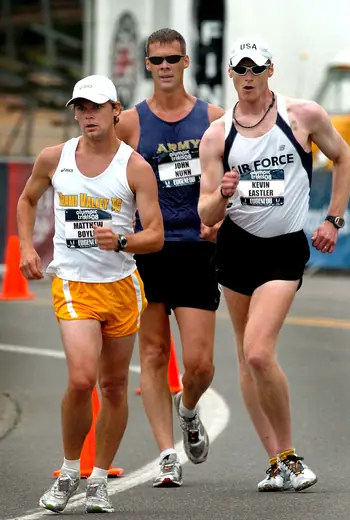 Original
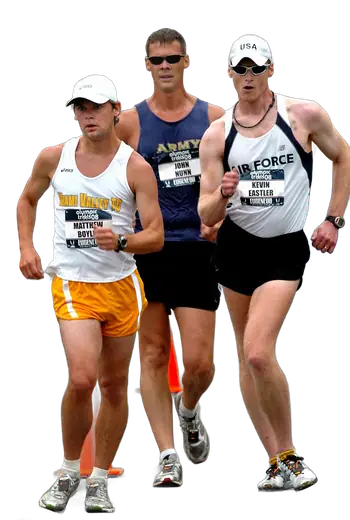 Partly wrong
Cases that failed
Three failures that no automatic tool avoids. If your photo looks like one of these, save yourself the upload.
 Original
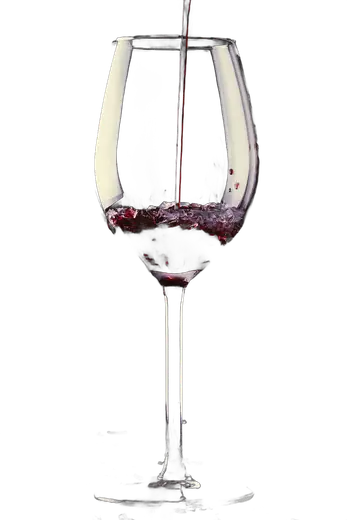 Failed
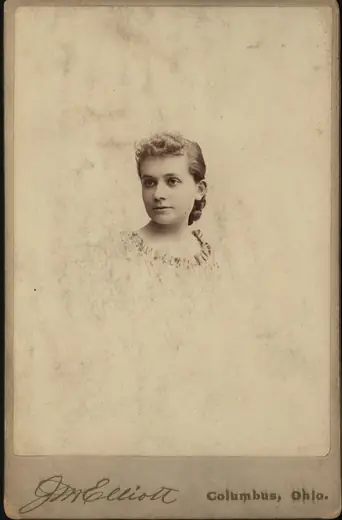 Original
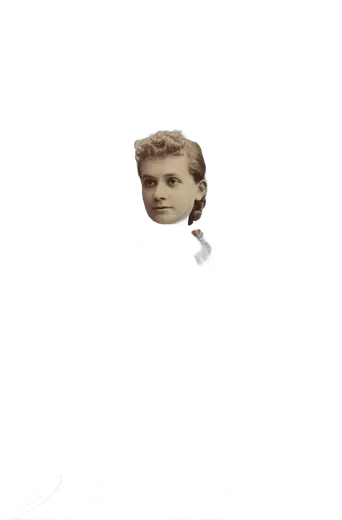 Failed
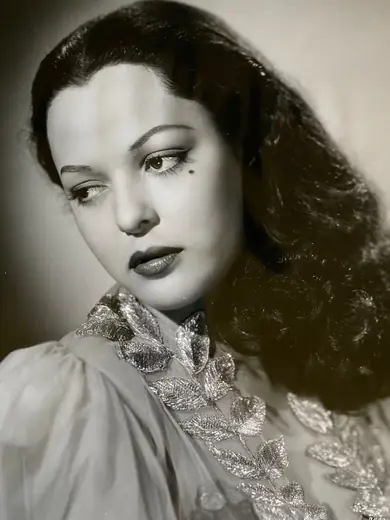 Original
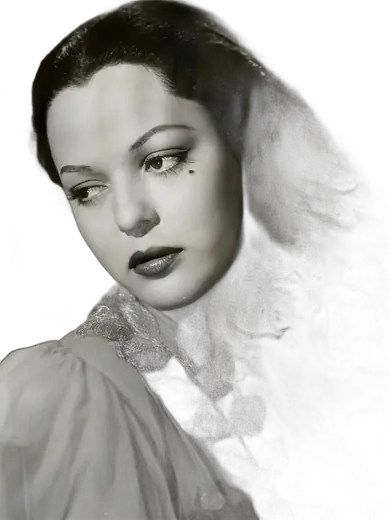 Failed
How to pick a photo that will work
- Put brightness between the subject and the background. Dark hair on a dark wall is the single most common failure. It is not about colour, it is about tone: a dark subject on a light backdrop is easy, the same subject on an equally dark backdrop is not.
- Avoid backlight. A bright window behind the subject makes the edge glow and the model cuts into it. Light from the front or the side is worth more than any setting.
- Use a sharp file, not a small compressed one. Heavy JPG compression smears the edge before the model ever sees it. A photo saved at low quality for messaging apps is much harder than the original.
- Expect nothing from transparent material. Glass, veils, smoke and water keep their outline and lose their transparency. A cutout is opaque or absent, with nothing in between.
- Do not expect individual hairs or whiskers. The outline of hair survives; strands do not. If you need strand level accuracy, budget a few minutes in an editor afterwards.
Questions people actually ask
- Are these real results or marketing pictures?
- Real. Every photo on this page was uploaded to this site like any other image, and the cutout is the file the server returned. The processing times shown under each pair are what the server actually took on the day they were made.
- Why show failures at all?
- Because you will meet them. Every background remover produces the same three failures, and a gallery of wins only teaches you that the tool photographs well. Knowing in advance that glass, fine hair and low contrast are the hard cases saves you the upload.
- Can the hard cases be fixed by trying again?
- Not by re-uploading the same file: the model is deterministic and will return the same cutout. What helps is changing the input, by shooting against a plain background that differs in brightness from the subject, avoiding backlight, and using a sharp file rather than a heavily compressed one.
- How large were these images?
- Source sizes are listed under each pair and range from 800 to 1600 px on the long side. Anything longer than 2200 px is scaled down before processing, so the results here are at full processed size.
Related: how transparent PNGs behave, putting a cutout on a white background for a CV, and what happens to your photo after you upload it.
Source photographs are public domain or CC0 files from Wikimedia Commons, linked under each pair. The cutouts were produced by this site on August 23, 2026, and the uploads were deleted afterwards.