How automatic background removal works
What the model on this site actually does with your photo, shown step by step on two real uploads.
The short answer: a neural network looks at a scaled copy of your photo and paints a grey-scale mask: white where it sees the subject, black where it sees background, and shades of grey on soft edges like hair. That mask becomes the transparency of a PNG. Nothing is cut with scissors, every pixel just gets an opacity value.
Watch one upload from start to finish
This is an unedited screen recording of the live site. A cat photo is uploaded, the cutout appears, and the files are deleted with the Delete button. After that, the download link returns a "not found" error, which is the point of the button.
Those 12 seconds split into two parts. The server spent 7.2 seconds on the image itself. The rest was the upload, the move to the result page and the page checking every moment or so whether the job had finished. On a slow mobile connection the upload part grows; the server part does not.
Step 1: the photo is scaled down twice
First, anything longer than 2200 px on the long side is scaled down to that size. That copy is what you get back at the end. Then the model makes its own, much smaller working copy: exactly 1024 by 1024 pixels, whatever the shape of your photo. A tall portrait is squeezed sideways to fit, a wide landscape is squeezed vertically.
This detail explains a lot of failures. A wine glass stem that is 12 pixels wide in your photo may be only a few pixels wide after squeezing, and the model can lose it entirely. Hair strands thinner than one working pixel cannot be separated one by one, only as a soft blur of partial transparency.
Step 2: the model paints a mask
The network is isnet-general-use, a version of IS-Net, described by Xuebin Qin and
co-authors in "Highly Accurate Dichotomous Image Segmentation" (ECCV 2022). "Dichotomous" means it
splits an image into two classes: the main object and everything else. It is not trained on people
only, which is why products, pets and furniture work too.
Its output is one number per pixel. Shown as an image, that is the mask below: white is "keep", black is "remove". The mask is then stretched back to the size of your photo and applied as its transparency.
 Original
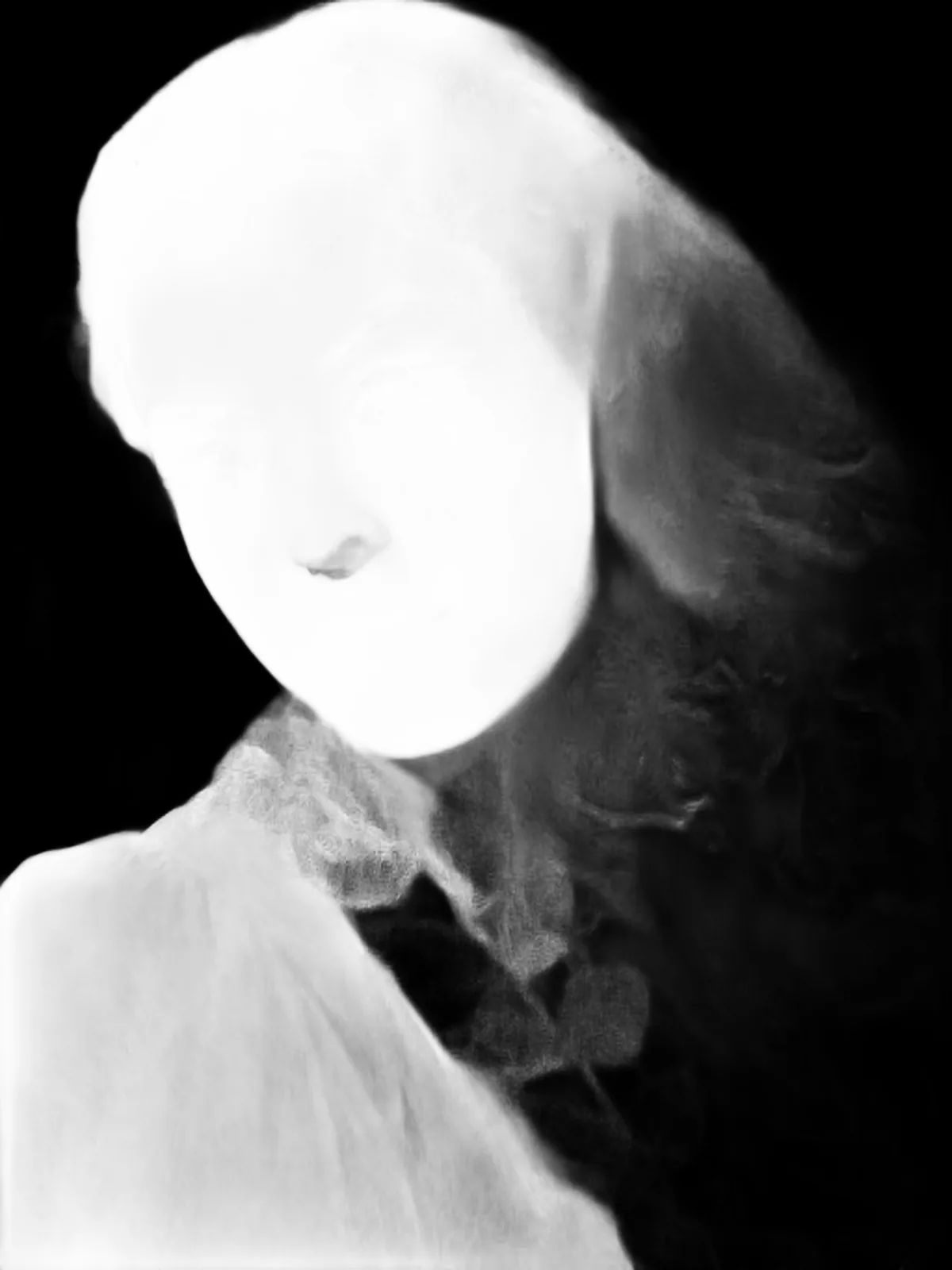 Mask
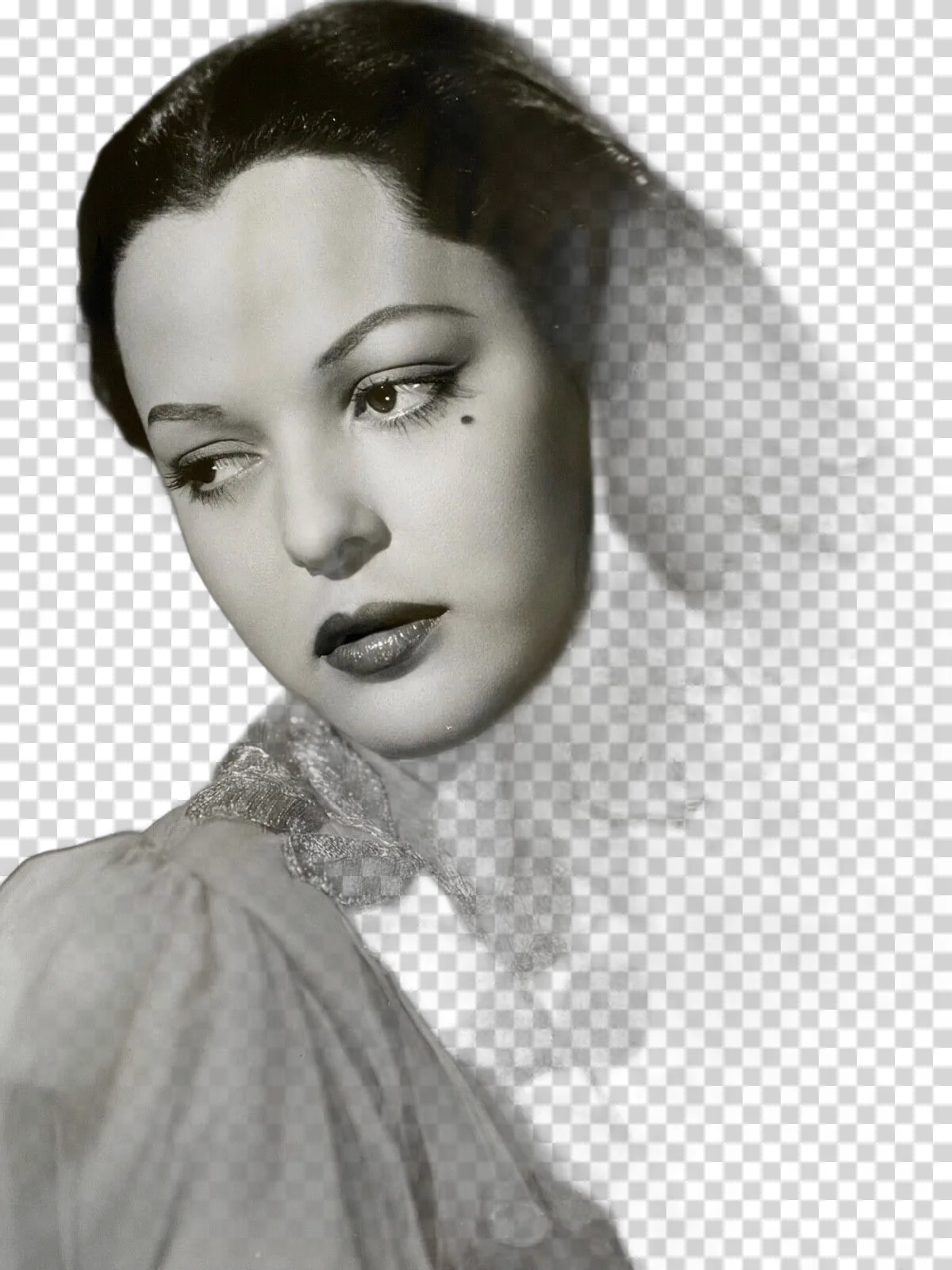 Result
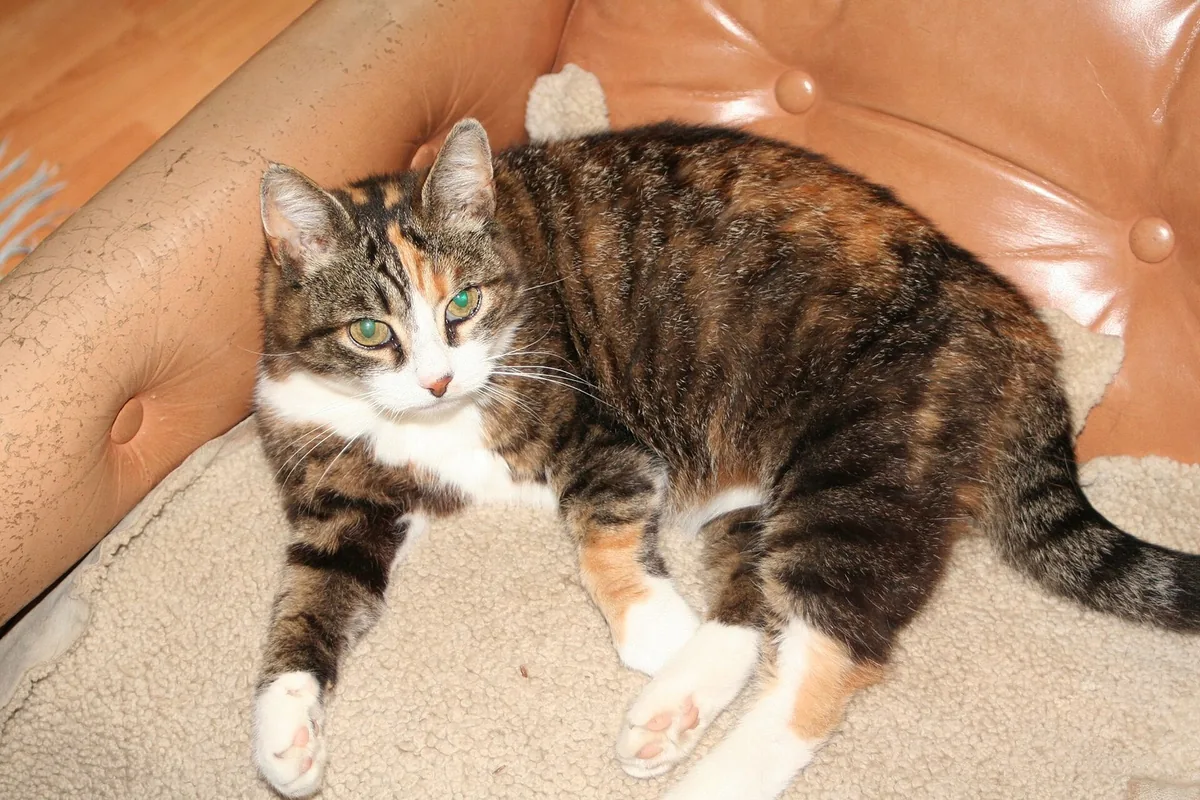 Original
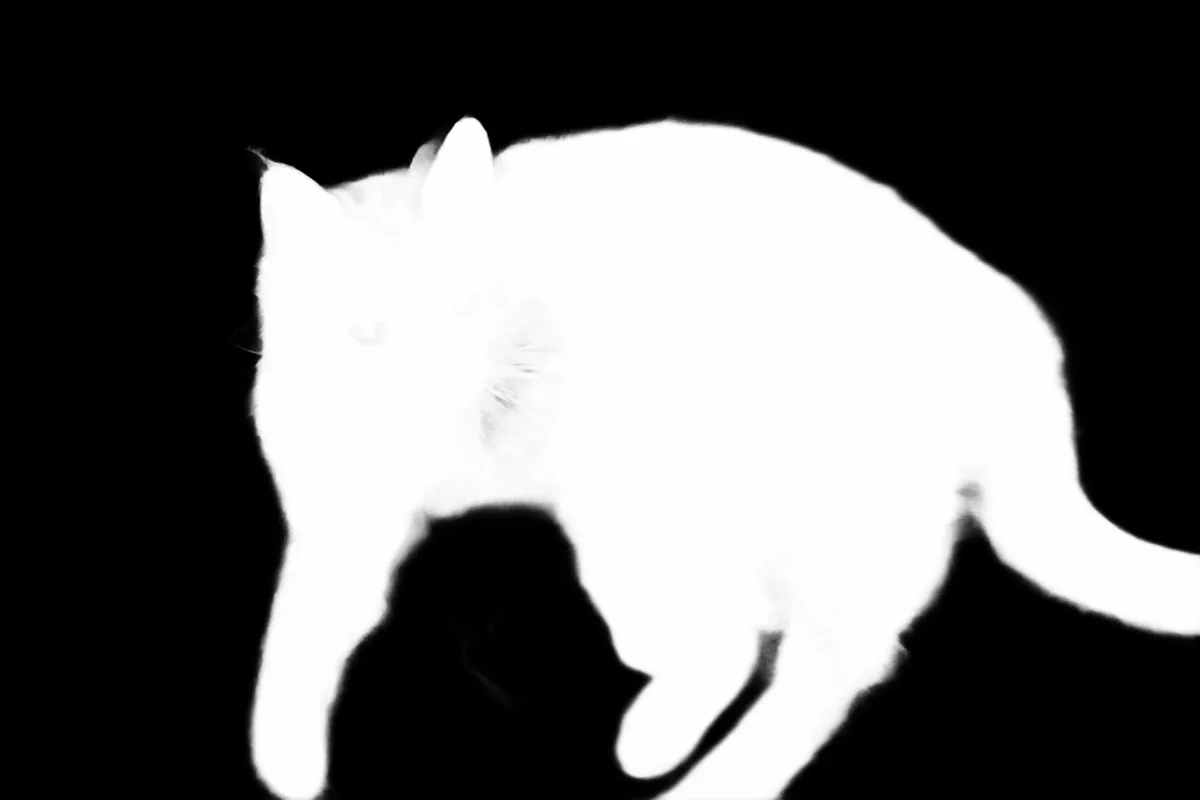 Mask
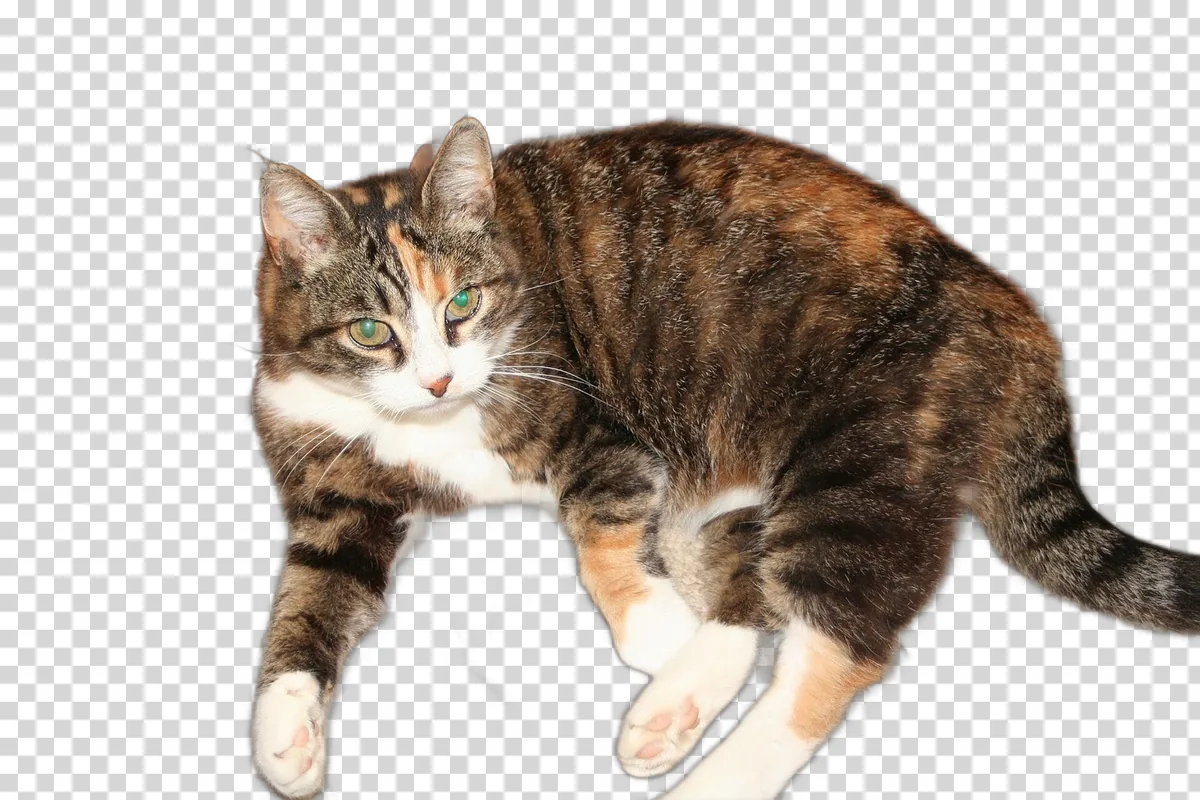 Result
Step 3: soft edges, up close
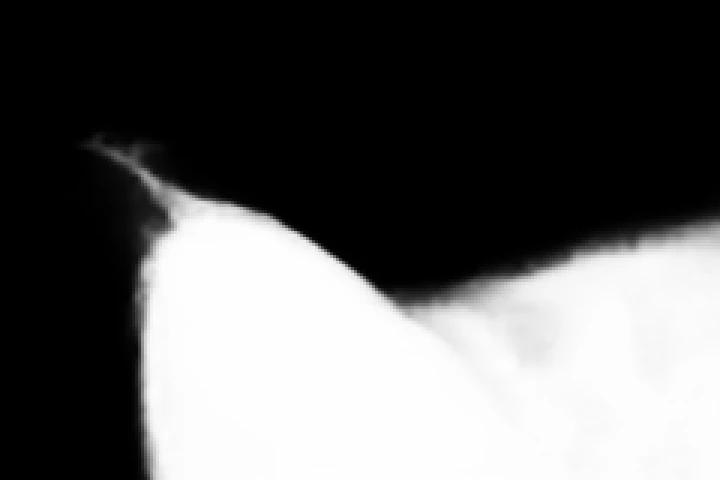
A cutout is not a hard line. Zoom into the edge and you find pixels that are 30%, 60% or 90% opaque. Those partial values are what make hair look like hair rather than a paper silhouette. Here are two small areas enlarged three times, each with its own mask.
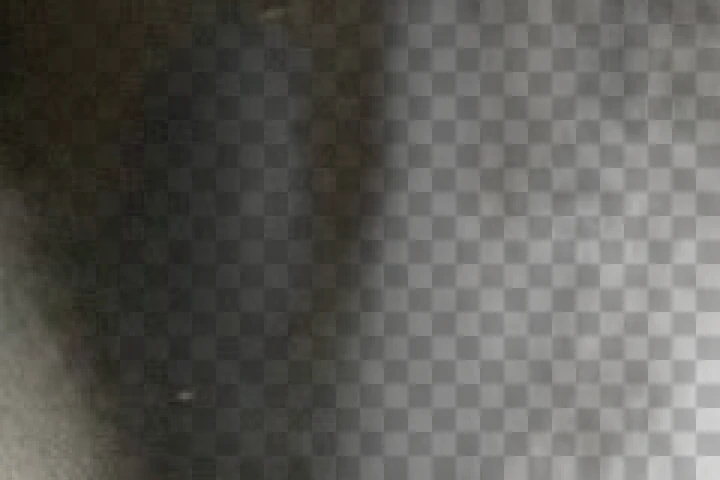 Result
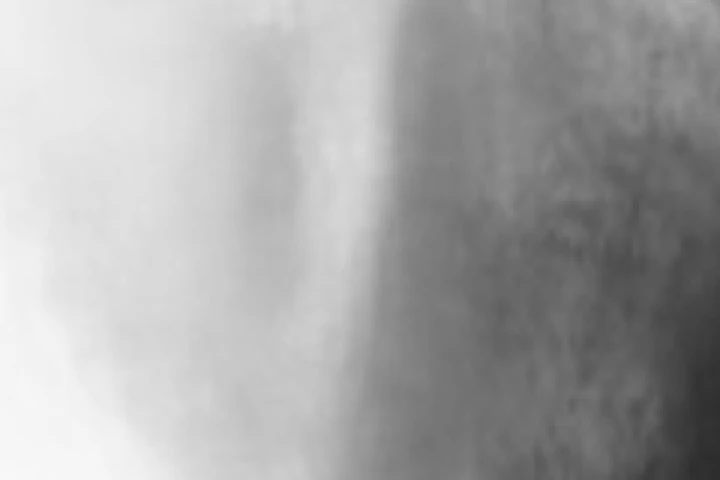 Mask
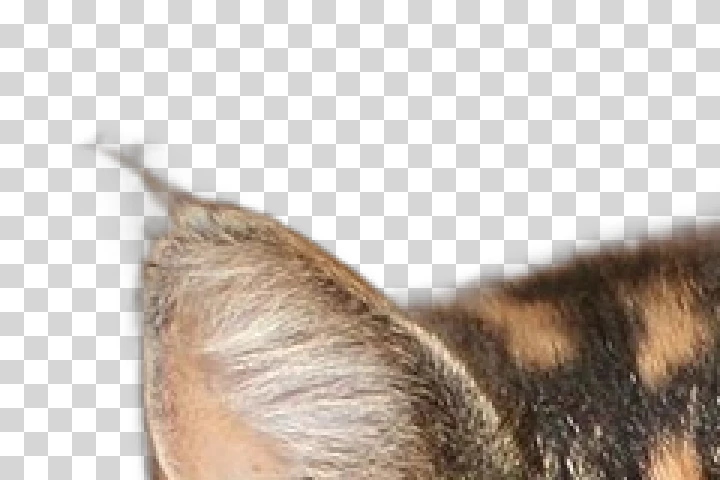 Result
 Mask
Step 4: the PNG you download
The mask is applied as the alpha channel and the image is saved as a PNG, the only common format that every app reads with transparency intact. A few properties of that file, measured on every result made for these guides:
- 57% to 77% of the pixels are fully transparent. That is the removed background. The exact share depends on how much of the frame the subject filled.
- The highest opacity is 254, not 255. Even the solid parts of the subject are 99.6% opaque. You will never see the difference, but a strict checker that looks for "fully opaque" pixels will not find any.
- Removed pixels are stored as black. Under the transparency, the colour data is zero. That is why an app that ignores transparency, for example some PDF exporters, shows a black box around the subject instead of white. If you need a solid background, choose it on the result page before you download.
- The same input gives the same output. Three uploads of the portrait produced three identical files.
How long it takes, measured
For these guides, 26 photos between 800 and 1920 px were run through the live site one at a time. Server time ranged from 5.6 to 12.7 seconds, with most photos between 6 and 11. Processing runs on an ordinary cloud CPU, not a graphics card, and the server handles 2 images at the same time. When more people upload at once, your job waits in a short queue instead of failing.
| Photo | Size sent | Server time |
|---|---|---|
| Cat on a plain wall | 1600 x 1067 | 6.1 to 7.2 s |
| Studio portrait | 1200 x 1600 | 10.1 to 10.4 s |
| White tea cup on white | 1280 x 853 | 6.6 s |
| Sneakers, museum shot | 1920 x 2095 | 10.9 s |
| Water bottle | 1920 x 1920 | 12.7 s |
Times vary by a second or more between runs of the same photo, depending on what else the server is doing. They do not depend on whether the result is good: the model spends the same effort on a photo it gets wrong.
What it cannot do
- It cannot read your intent. It keeps the most prominent object. If you wanted the person and not the bicycle they hold, there is no way to tell it.
- It cannot see through glass. Transparent objects show the background through them, and the model has no way to separate the two. Every glass tested for these guides came out wrong.
- It cannot recover what the scaling threw away. Details thinner than a pixel of the 1024 working copy come back blurred.
- It does not retouch. No colour correction, no shadow, no edge clean-up. What you download is the mask applied to your pixels.
The examples page shows twelve results side by side, with the failures left in, and fixing a bad cutout tests what actually helps when the result is wrong.
Questions people actually ask
- Will uploading the same photo again give a better result?
- No. The model is deterministic: when the same file was uploaded three times, the three PNGs were identical down to the last pixel, only the processing time changed. To get a different result you have to change the input, for example by using a photo with a plainer background or a sharper subject.
- Does the model know what the subject is?
- Not in the way a person does. It has no list of object names and no face detector. It predicts, for every pixel, how likely that pixel is to belong to the main foreground object. That is why it cuts out a cat, a bottle or a chair equally well, and also why it sometimes keeps a shadow or drops a thin part that looks like background.
- Why does a large photo take longer if the model always works at 1024 by 1024?
- The model step itself costs about the same for any photo. The rest does not: decoding a large upload, scaling it, resizing the mask back to full size, applying it and compressing a big PNG all grow with the number of pixels. Photos are capped at 2200 px on the long side so this stays a matter of seconds.
- Is my photo used to train the model?
- No. The model file is fixed and does not learn from uploads. Your photo is processed once and deleted within 30 minutes, or right away if you press Delete.
Written and maintained by Denis. Last updated: November 2, 2026