How to fix a bad cutout
Three common fixes, tested on real failures from this site, with the numbers. Not all of them work.
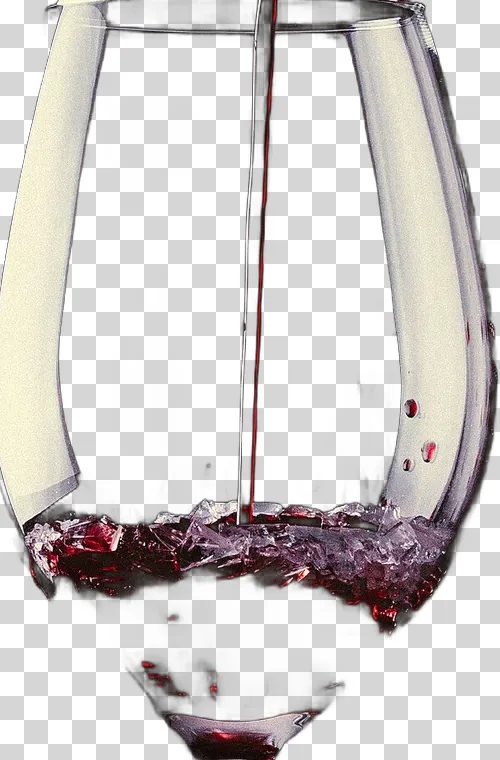
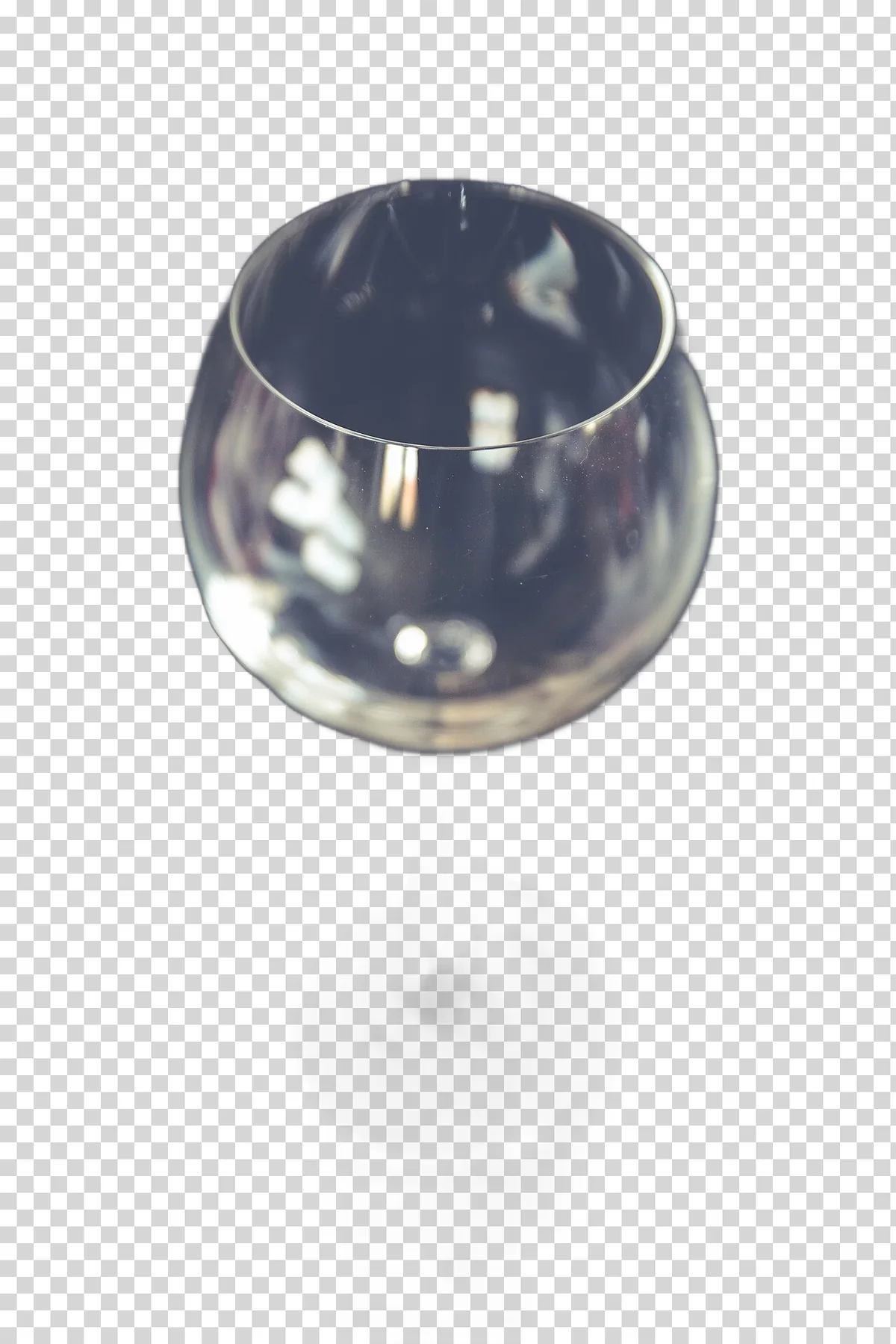
The short answer: the fix that works best is a different photo: the same subject against a plain background that clearly differs from it. Cropping close to the subject sometimes helps with hair. Boosting contrast does not help and often makes things worse. Glass did not come out right in any test, so plan a manual edit for it.
The test
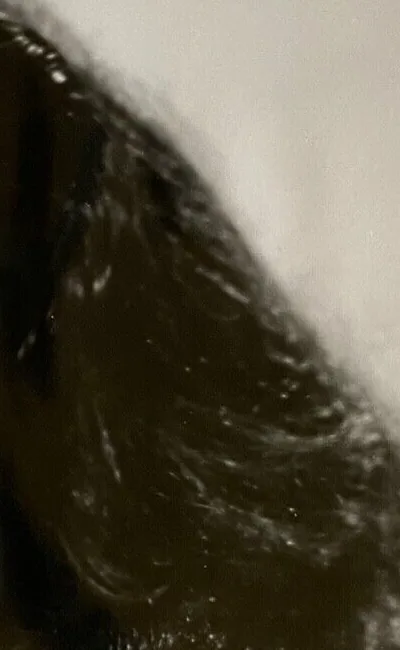
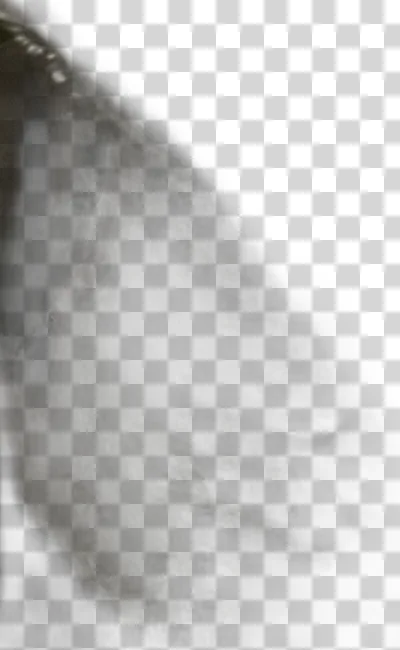
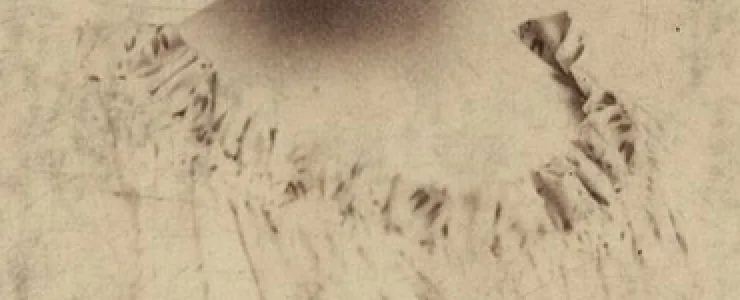
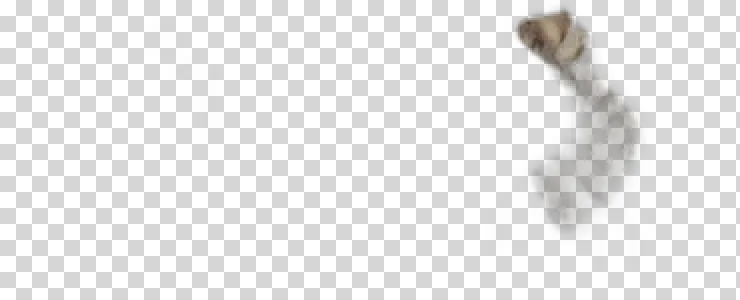
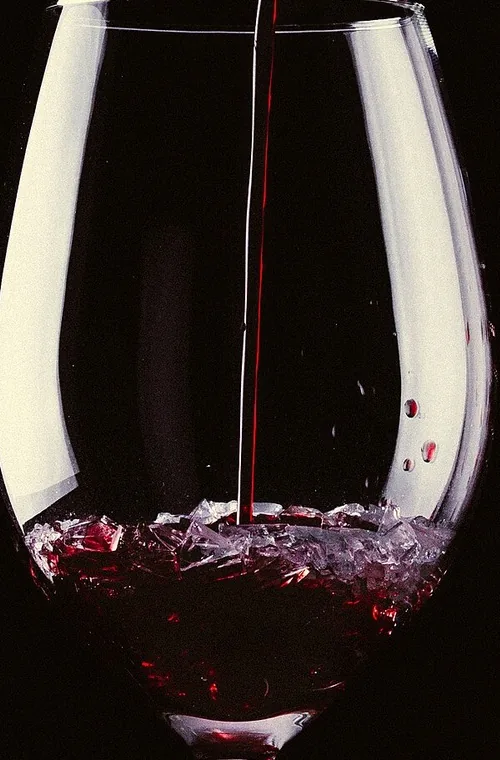
We took three photos that the model handled badly: a studio portrait where the hair came out thin, an old headshot where the model dropped most of the body, and a wine glass. Each one was uploaded again after one change, and the opacity in the problem area was measured. The changes were:
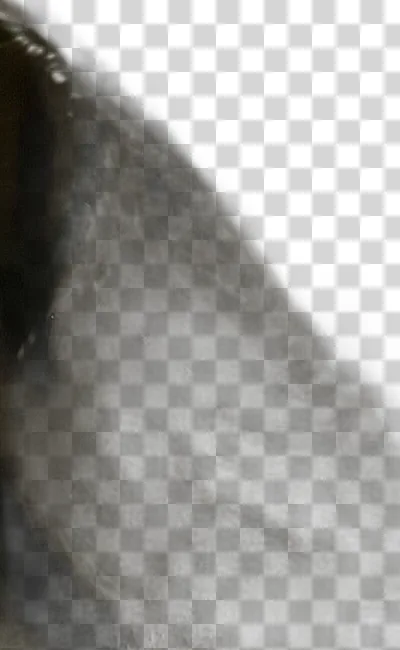
- Tight crop: cut the photo down to the subject so it fills more of the frame.
- Contrast boost: automatic levels, then contrast +40% and brightness +15%, the kind of edit a phone app does in one tap.
- Different photo: a similar subject shot against a plain, contrasting background.
Uploading the same file again was not tested as a fix, because it cannot be one: the model gives the same pixels every time.
Hair: crop helped a bit, contrast ruined it
 Photo
 First try
 Tight crop
 Contrast
 Photo
 First try
 Contrast
Why would cropping help? The model always works on a 1024 by 1024 copy of the photo. When the subject fills more of the frame, each strand of hair gets more working pixels, and the model can see more of it. Contrast does the opposite of what you would hope: it flattens the subtle tones between hair and background, which are exactly what the model uses to tell them apart.
Glass: nothing worked
 Photo
 First try
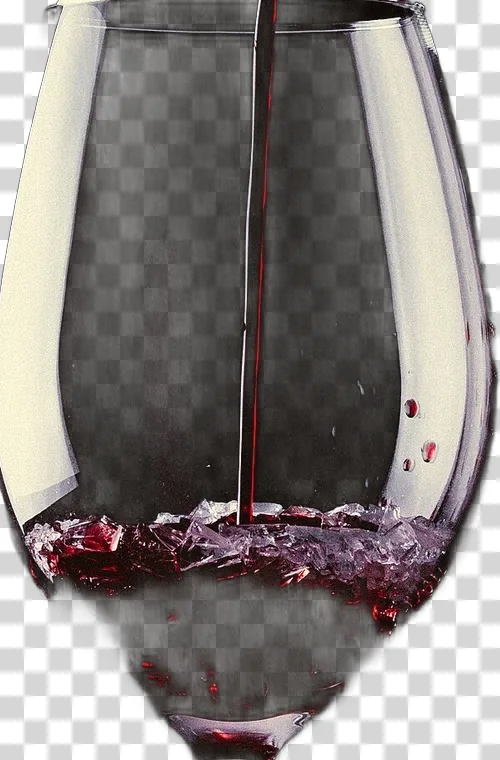 Tight crop
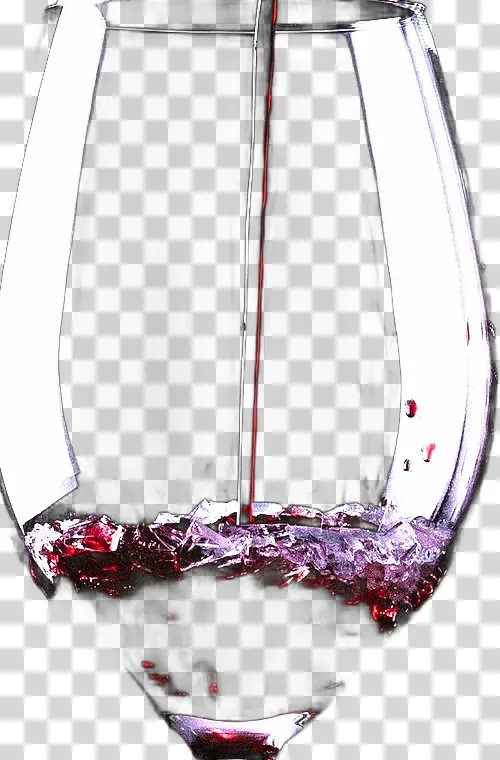 Contrast
A different photo: the fix that worked, mostly
Finally, two new photos of similar subjects, chosen because their backgrounds were plain and clearly different from the subject.
 Photo
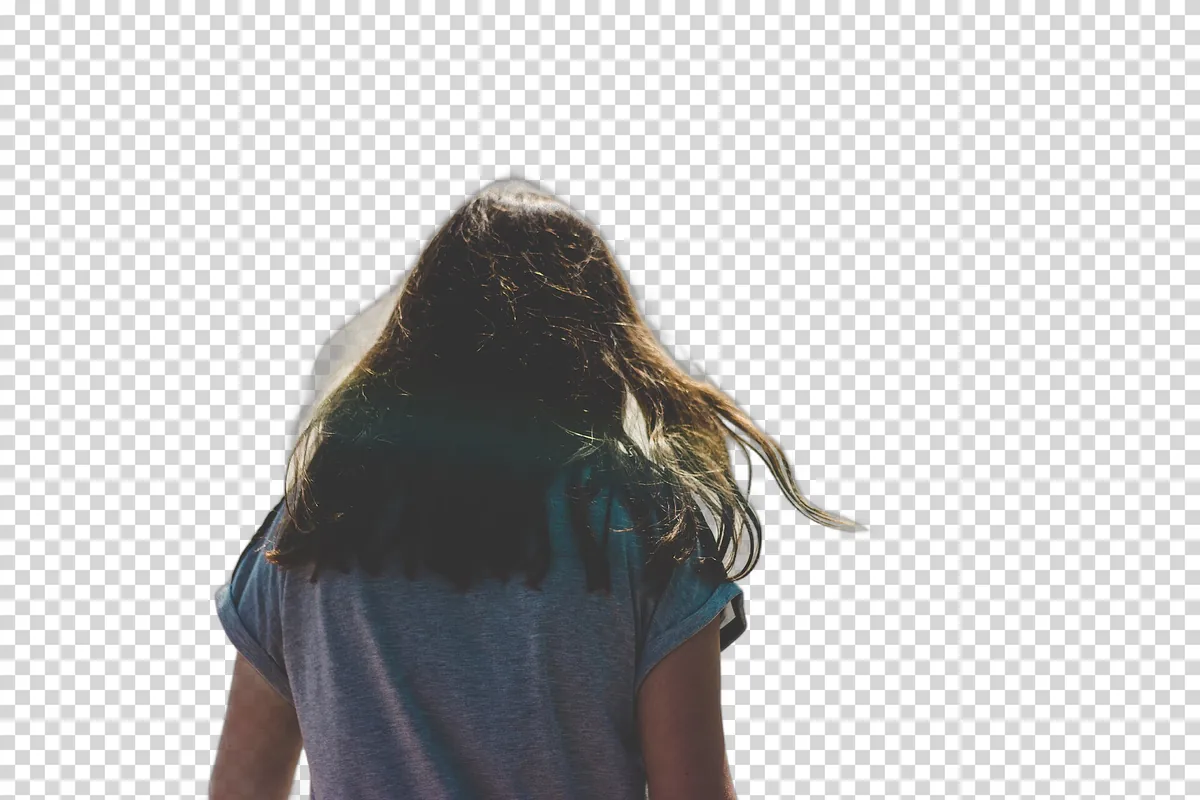 Result
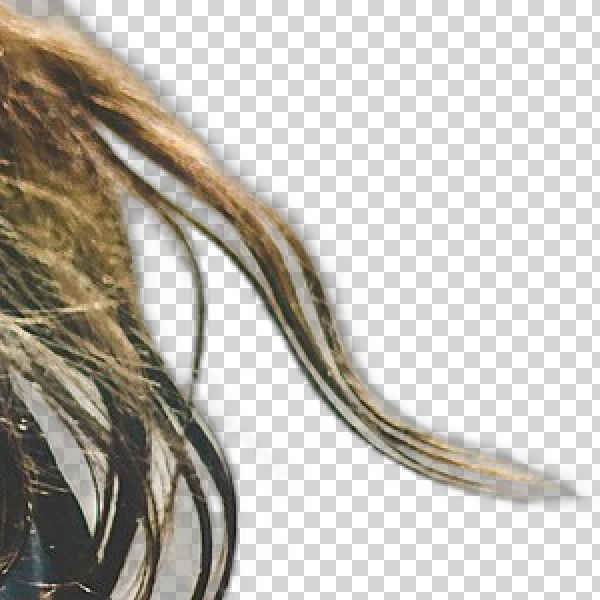 Hair, 2x
 Photo
 Result
 Stem
The results in one table
| Fix | Hair | Body dropped | Glass |
|---|---|---|---|
| Upload again | No change | No change | No change |
| Tight crop | Better, not fixed | Not tested | Worse |
| Contrast boost | Much worse | Worse | No change |
| Different photo, plain background | Good | Not tested | Still wrong |
This is a small test on a handful of photos, not a benchmark. It does match how the model works, though: it reacts to the photo you give it, not to edits that try to make the photo look easier.
What to do, in order
-
STEP 01
Look at the result over black and over white
Many faults are only visible on one of them. Decide whether you actually have a problem for where the image will be used.
-
STEP 02
Reshoot or pick another photo if you can
Plain background, clearly lighter or darker than the subject, soft light, nothing overlapping the edge.
-
STEP 03
Otherwise, try a tight crop
Especially for hair and small subjects in a wide shot. Skip it for glass.
-
STEP 04
Finish by hand
Open the PNG in an editor and paint back or erase the problem area. Small fixes take a minute; glass needs a manual outline.
Questions people actually ask
- Will uploading the same photo again fix a bad result?
- No. The model gives exactly the same output for the same file every time. Something about the input has to change: the crop, the background or the photo itself.
- Does increasing contrast or sharpening help the model?
- In our tests, no. Boosting brightness and contrast made two of three results clearly worse and did not change the third. The model was trained on ordinary photos, and an over-processed photo looks less like what it knows.
- Is there any way to cut out a wine glass automatically?
- Not reliably with this kind of model. Glass shows the background through it, so there is no clear line between object and background for the model to find. All four attempts on this page failed. For glass, a manual path in an editor, or a studio photo against black or white, is the realistic route.
- What is the quickest manual fix for a small mistake?
- Open the PNG in any editor with layer masks or an eraser, and paint back or remove the problem area. A missing bit of hair or a leftover patch of floor is usually a one minute job, much faster than trying to make the model get it right.
Written and maintained by Denis. Last updated: November 2, 2026