PNG or WebP for a transparent image
Three cutouts from this site saved in every common format, weighed and compared at the edge.
The short answer: for a website, use WebP at quality 90. In our test it was 4.6 to 8.9 times smaller than the PNG, and the transparency stayed exactly the same. Keep the PNG as your original, and use it when a program or upload form does not accept WebP.
The test
Three transparent PNGs were downloaded from this site exactly as you get them: a pair of sneakers, a water bottle and a tea cup. Each was then saved in five other ways: PNG re-saved with optimisation, PNG squeezed with oxipng, WebP lossless, WebP at quality 90 with full alpha quality, and AVIF at quality 80. Then we compared the bytes and the pixels.
File sizes
| Format | Sneakers, 1920 x 2095 | Bottle, 1920 x 1920 | Cup, 1280 x 853 |
|---|---|---|---|
| PNG, as downloaded | 2,720 KB | 803 KB | 231 KB |
| PNG, re-saved with optimisation | 2,711 KB | 793 KB | 225 KB |
| PNG, oxipng level 4 | 2,419 KB | 693 KB | 200 KB |
| WebP lossless | 1,594 KB | 423 KB | 138 KB |
| WebP quality 90 | 366 KB | 90 KB | 50 KB |
| AVIF quality 80 | 303 KB | 74 KB | 20 KB |
Sizes in kilobytes of 1000 bytes. What the numbers say:
- Optimising the PNG barely helps. Even a dedicated tool like oxipng saved only 11 to 14%.
- WebP lossless is free size. 1.7 to 1.9 times smaller than the PNG with every pixel identical.
- WebP quality 90 is the big win. 7.4, 8.9 and 4.6 times smaller. The transparency was bit for bit the same as the PNG; colours moved by about one level out of 255, which no one can see.
- AVIF is smaller still, but it changes the transparency itself: edge pixels shifted by up to 15, 14 and 10 levels, about 1 level on average.
The edges, up close
Each strip below shows the same piece of edge in PNG, WebP quality 90 and AVIF quality 80, enlarged four times and placed on near black, where any edge problem is easiest to see.
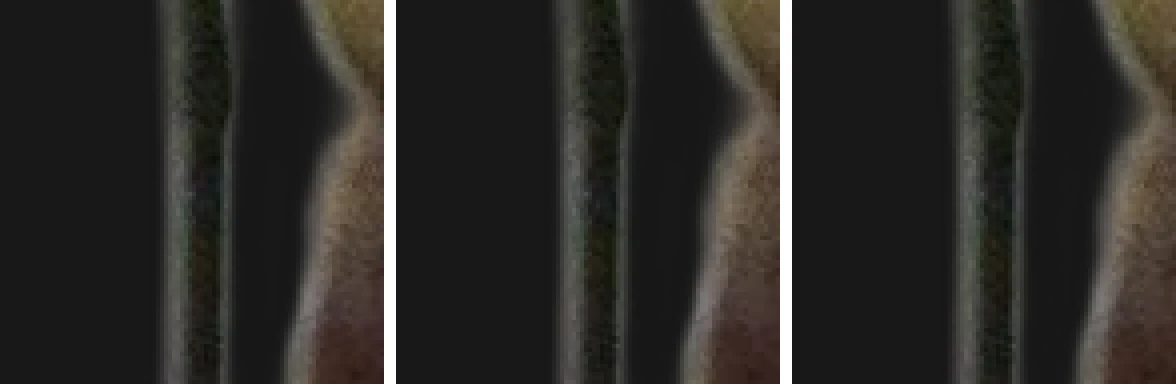
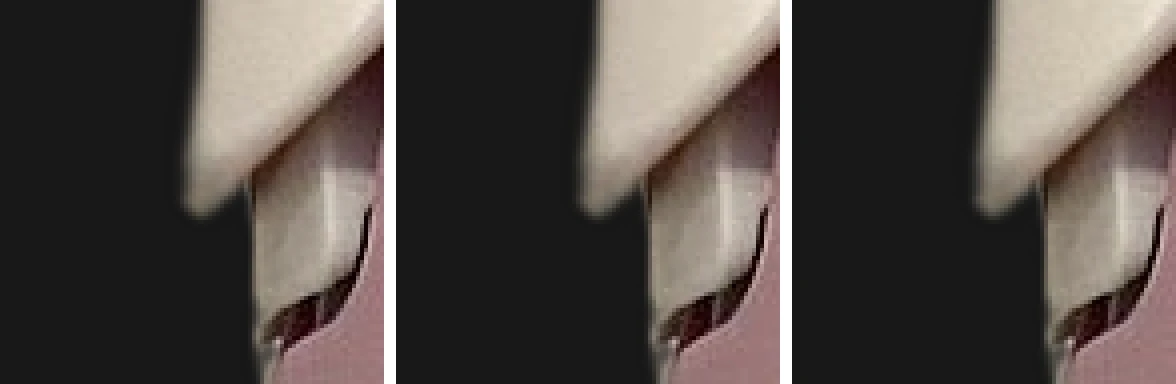
One more thing we checked: none of the formats painted over the fully transparent area. The hidden colour under transparent pixels stayed black in all of them, so there is no risk of a coloured box appearing when an app ignores transparency differently.
Which one to use
| Where the image goes | Format |
|---|---|
| Your own website or online shop | WebP quality 90 |
| Marketplace or upload form | Whatever it asks for, usually PNG or JPG on white |
| Slides, documents, office apps | PNG |
| Further editing | PNG, the original as downloaded |
| Archive, must stay exact | PNG or WebP lossless |
How to convert
-
STEP 01
Download the PNG from the result page
Files are deleted from the server within 30 minutes, so save it right away.
-
STEP 02
Open it in an editor that exports WebP
Most current editors do, including free ones such as GIMP and online tools like Squoosh.
-
STEP 03
Export at quality 90, with alpha kept at full quality
Some tools have a separate setting for the transparency. Leave it at 100 or lossless.
-
STEP 04
Check it over a dark background
If the edge looks the same as the PNG, you are done.
Questions people actually ask
- Does WebP support transparency?
- Yes. WebP has a full alpha channel in both its lossless and lossy modes, and every current major browser displays it. In our tests the lossy WebP at quality 90 kept the transparency exactly the same as the PNG, pixel for pixel.
- Why does this site give me a PNG and not a WebP?
- Because PNG opens everywhere: old editors, office suites, print services and upload forms that reject anything else. A PNG is the safe original. If you need a smaller file, convert it afterwards; you lose nothing by starting from PNG.
- Is AVIF better than WebP for cutouts?
- AVIF made the smallest files in our test, but it also changed the transparency slightly: some edge pixels moved by up to 15 levels out of 255. That is invisible in most uses, but WebP at quality 90 was almost as small and kept the transparency exact. Support for AVIF is also still patchier outside browsers.
- Will converting to WebP remove the grey halo around my cutout?
- No. A halo is part of the cutout itself: the edge pixels carry a bit of the old background. Every format reproduces it faithfully. To get rid of it you need to change the edge in an editor, or place the cutout on a background similar to the original.
Written and maintained by Denis. Last updated: November 2, 2026